
OnTyme for electrical
Scheduling and job documentation for electrical contractors
Electrical work runs from quick service calls to installs that take several days. OnTyme keeps quote visits, service calls and installs on one calendar, sends the electricians you choose, and records the scope, circuits and photos in a form built for each appointment type.
Where the week usually goes wrong
Short calls and long installs share one calendar
A two-hour service call and a three-day install are hard to plan around each other on a whiteboard.
Not every job suits every electrician
The office has to remember who should take which kind of work.
Documentation varies by electrician
One writes up every circuit and panel; another sends a single photo.
Quotes don’t connect to the work
The quote visit notes sit in one place and the install gets booked somewhere else.
How OnTyme handles it
-
Choose priority electricians
Pick the electricians you want considered, and AI scheduling recommends who among them has the best available slot for the job’s location and duration.
-
Multi-day work on the calendar
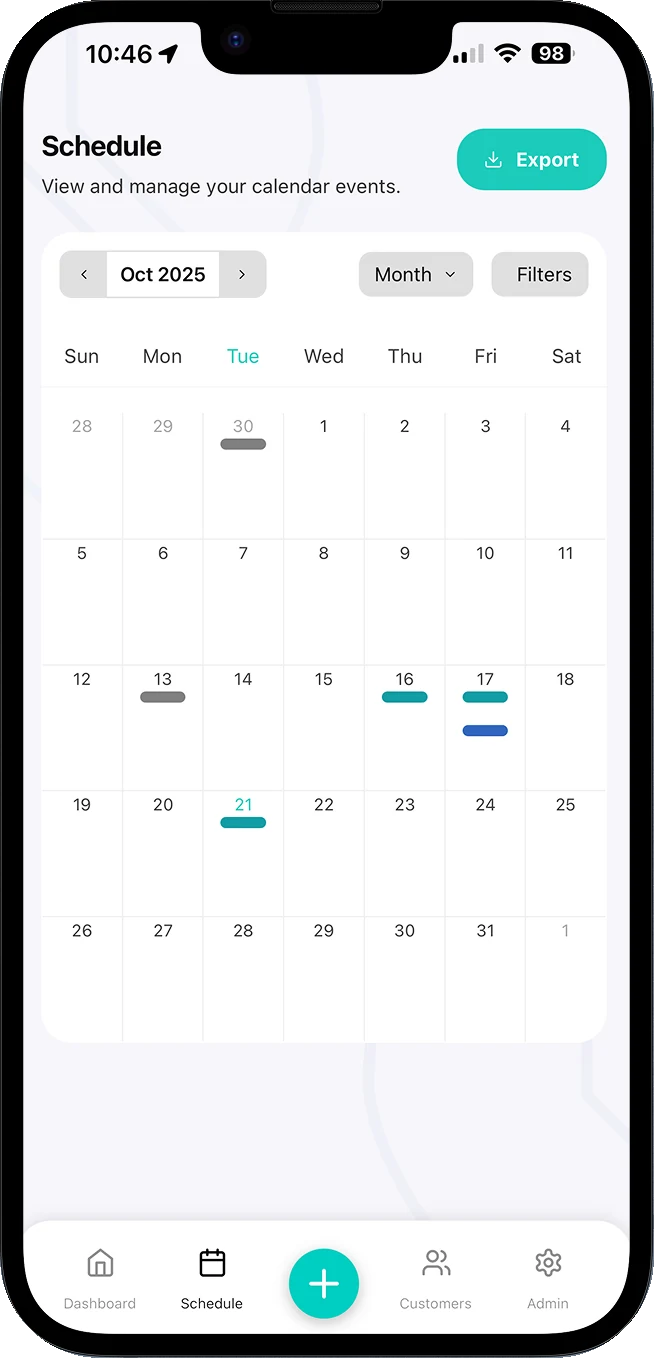
Events take a date range, so an install can span several days. Month, Week, 3 Days, Day and Schedule views show it alongside service calls.
-
The same record from every job
Build forms with text, number, dropdown, checkbox and image fields for scope of work, circuits, panels and notes, so every electrician records the same detail.
-
One submission per day
Events accept multiple form submissions, so a multi-day install can be documented day by day.
-
From quote visit to install
Refer & Create Event books the install on the same job as the quote visit, keeping the customer, site and earlier submissions together.
-
Records you can hand over
Export submissions as XLSX, email them from the event, or bulk-export by appointment type and date range.
Example appointment types
Example form fields
You define these in Form Management — they aren’t fixed templates.
Questions from electrical teams
Can one job run over several days?
Can I make sure certain jobs go to certain electricians?
How do I get job documentation out of OnTyme?
See the full feature list on the product page or check pricing.
Put your next week on OnTyme
Set up your company, add your team and schedule real jobs during your 30-day free trial.
Standard plan: $50 CAD/month for 10 team members, plus $5/month per additional user.