What Is AI Scheduling? A Plain-English Guide for Service Businesses (2026)
You've probably heard "AI scheduling" a dozen times this year — in an ad, from a competitor, maybe from a software rep who couldn't quite explain what it does. This guide is the straight answer, written for people who run service businesses, not for engineers. No buzzwords, no hype about robots taking over your dispatch board. Just what AI scheduling actually is, what it does on a real Tuesday morning, what it costs, and — honestly — whether your shop needs it yet.
AI Scheduling in Two Sentences
AI scheduling is software that works out who should take a job and when — weighing who is actually available, where they already are, and how much driving each option costs — and hands your dispatcher the answer in seconds. Instead of a person staring at a whiteboard trying to hold twelve moving pieces in their head, the software checks every open slot in every technician's real day and returns the cheapest one that fits.
That's the whole idea. The rest of this article is just mechanics, honesty, and math — no magic.
What It Replaces: A Tuesday Morning, Two Ways
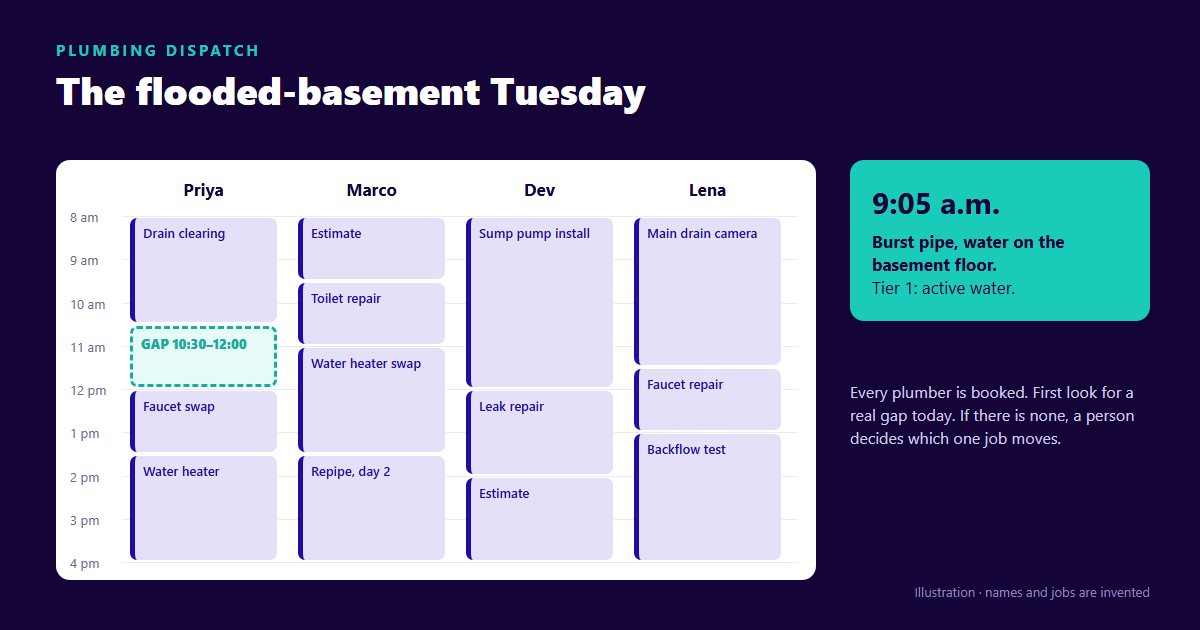
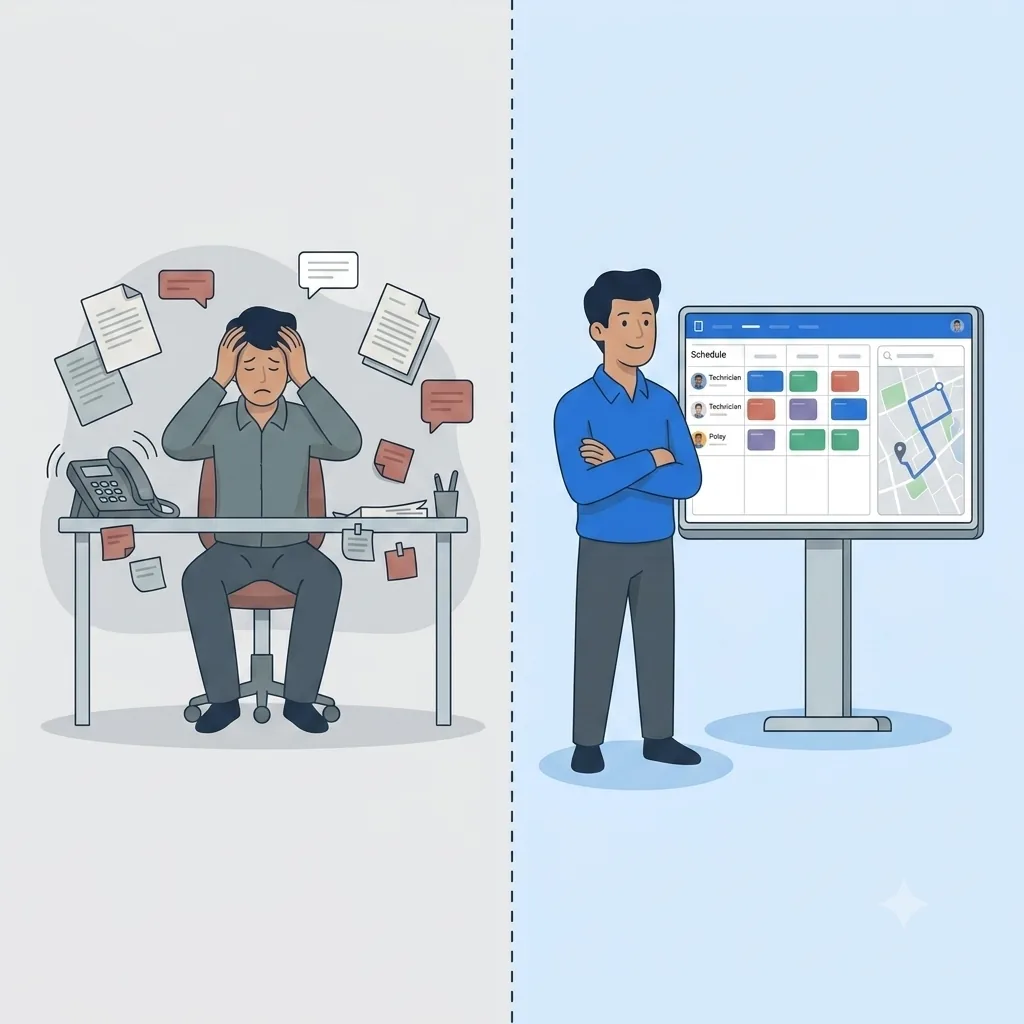
Tuesday, 7:00 a.m. — the way most shops still do it. Your dispatcher is at the whiteboard with a coffee going cold. One tech just texted that he's out sick. Two emergency calls came in overnight — a no-heat and a burst line — and both customers are already calling back. Now every job that sick tech was carrying has to move to someone else. But not just anyone: the no-heat is 40 minutes across town, and the tech who's closest is already booked solid until noon. So the dispatcher erases, rewrites, calls three techs to check where they really are, and rebuilds half the day by hand. It takes 45 minutes, two customers are annoyed before 8 a.m., and by 10 the plan is already wrong again.
Tuesday, 7:00 a.m. — the same morning with AI scheduling. The sick tech's day is marked unavailable, which immediately takes him out of consideration for anything new. His eight jobs still need homes — but instead of phoning around to find out who is where, the dispatcher asks the software for each one. Every time, it checks every remaining tech's real calendar, prices the drive on live traffic data, and comes back with the cheapest slot that actually fits, plus a plain sentence explaining why. The two emergencies go through the same way. She overrides two of them by hand, because she knows one customer prefers afternoons, and approves the rest.
Same chaos. Nobody was called to ask where they were, nothing was rebuilt from memory, and the arithmetic was right the first time. That gap — 45 minutes of guesswork versus a few minutes of review — is the entire reason this category exists.
If your Tuesday mornings look like the first version, you already know why AI scheduling matters.
****Schedule a demo and watch your own board run through it.
What the AI Actually Considers
When people hear "AI decides who goes where," they picture a black box. It isn't. The software is weighing a specific, knowable set of real-world constraints — the same ones your best dispatcher weighs, just faster and all at once. Here's the plain-language version.
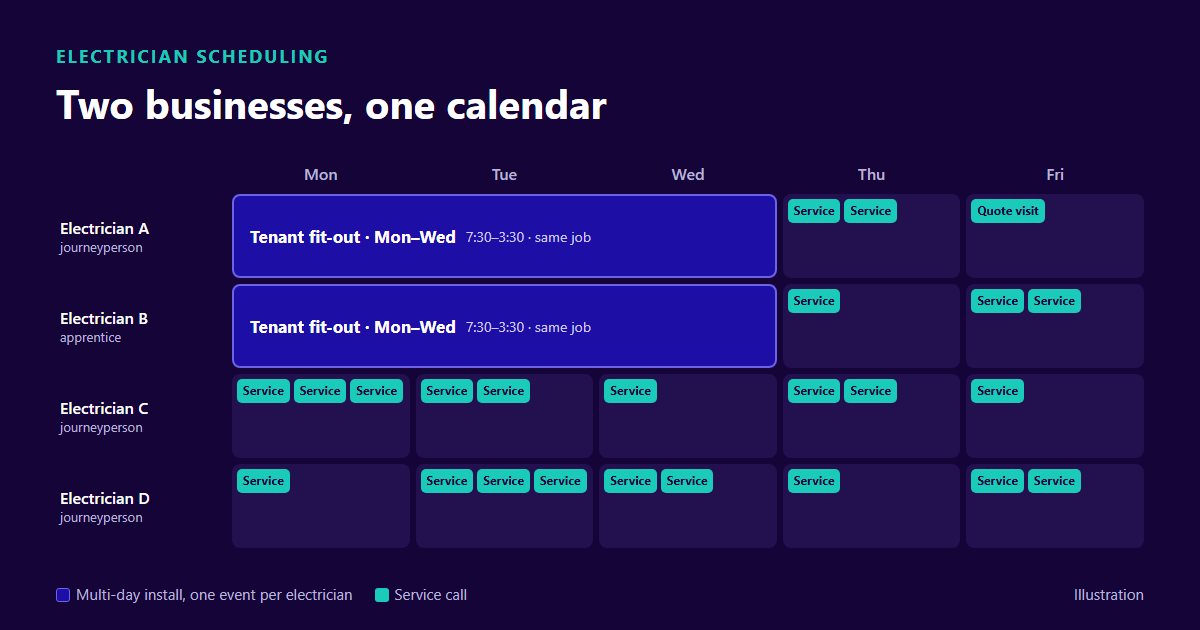
Some things are absolute. In OnTyme, a slot is never offered at all if the person is on approved vacation, if the day is a statutory holiday for your province or a company holiday you added, if it falls outside your configured working hours, or if it would overlap a job already booked. These aren't preferences the software can trade away — they're your calendar, and it treats them as fixed.
Everything else comes down to one number: total travel time. Among all the slots that are genuinely available, the software picks the one with the least driving — measured on the real road network with live traffic, not straight-line distance on a map. Every leg is timed from where the tech actually is: your depot at the start and end of the day, the previous job site in between.
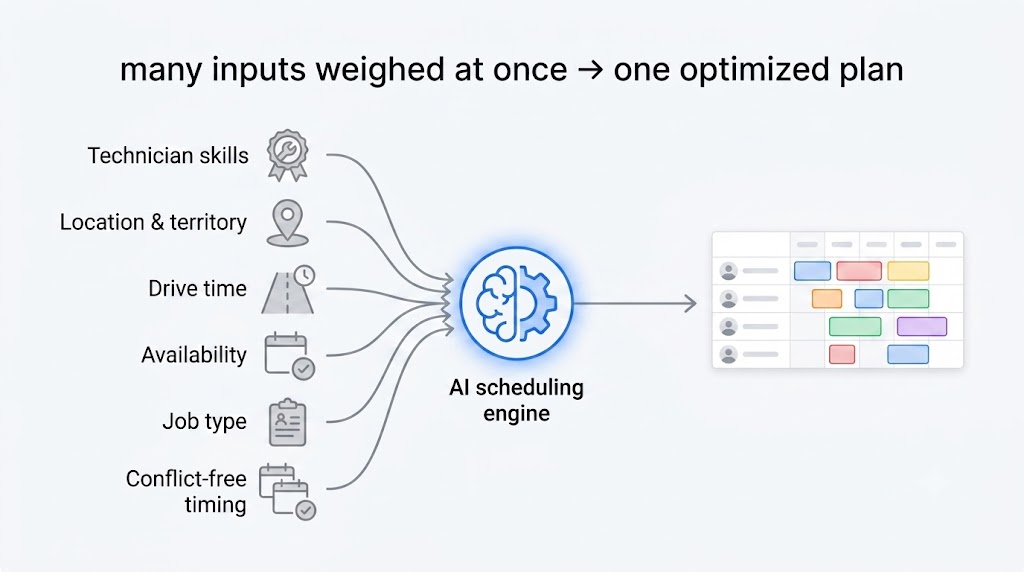
The part a human brain genuinely struggles with isn't any single rule — it's checking all of them across a dozen techs and a two-week window without dropping one. For the deeper mechanics of how that search actually runs, see how AI scheduling differs from route optimization and dispatch automation, and the OnTyme user guide for how each setting is configured.
What It Doesn't Do
This is the section most vendors skip, so we'll be the ones who don't. Knowing the limits is how you tell real capability from marketing paint.
It doesn't rebuild your whole day by itself. OnTyme places one job at a time. When a tech calls out, the software doesn't notice and quietly re-solve the board — you mark them unavailable and re-place their jobs through the recommender, one at a time. That's dramatically faster than the whiteboard, and it is not the same as a button that fixes the morning. Any vendor claiming fully automatic re-optimization should be made to demonstrate it on a real board.
It doesn't know your customers' quirks. The software doesn't know that Mrs. Alvarez only opens the door for the same two techs, or that the account on Oak Street is a headache best handled after lunch. That lives in your team's heads — which is exactly why human override isn't a workaround, it's a feature.
It doesn't manage your people. It won't have the hard conversation with the tech who's always late, coach a new hire, or notice someone's having a rough week. It schedules work; it doesn't lead a crew.
It doesn't fix bad data. If your job durations are guesses, your addresses are wrong, or your working hours were never set up, the schedule it produces will be confidently wrong. Good input in, good schedule out. The software is only as sharp as the information you feed it.
It doesn't run your business without you. The dispatcher is still in charge. The AI proposes; a person approves, adjusts, and overrides. Anyone selling you a "fully autonomous" board that never needs a human is overpromising — and you should walk.
That last point matters: human override is a feature, not a failure. The goal isn't to remove your dispatcher. It's to hand them a strong first draft in seconds so they spend their time on judgment calls instead of erasing and rewriting a whiteboard.
AI Scheduling vs. the Things It Gets Confused With
The term gets muddled with three neighbors. Here's the 30-second untangling.
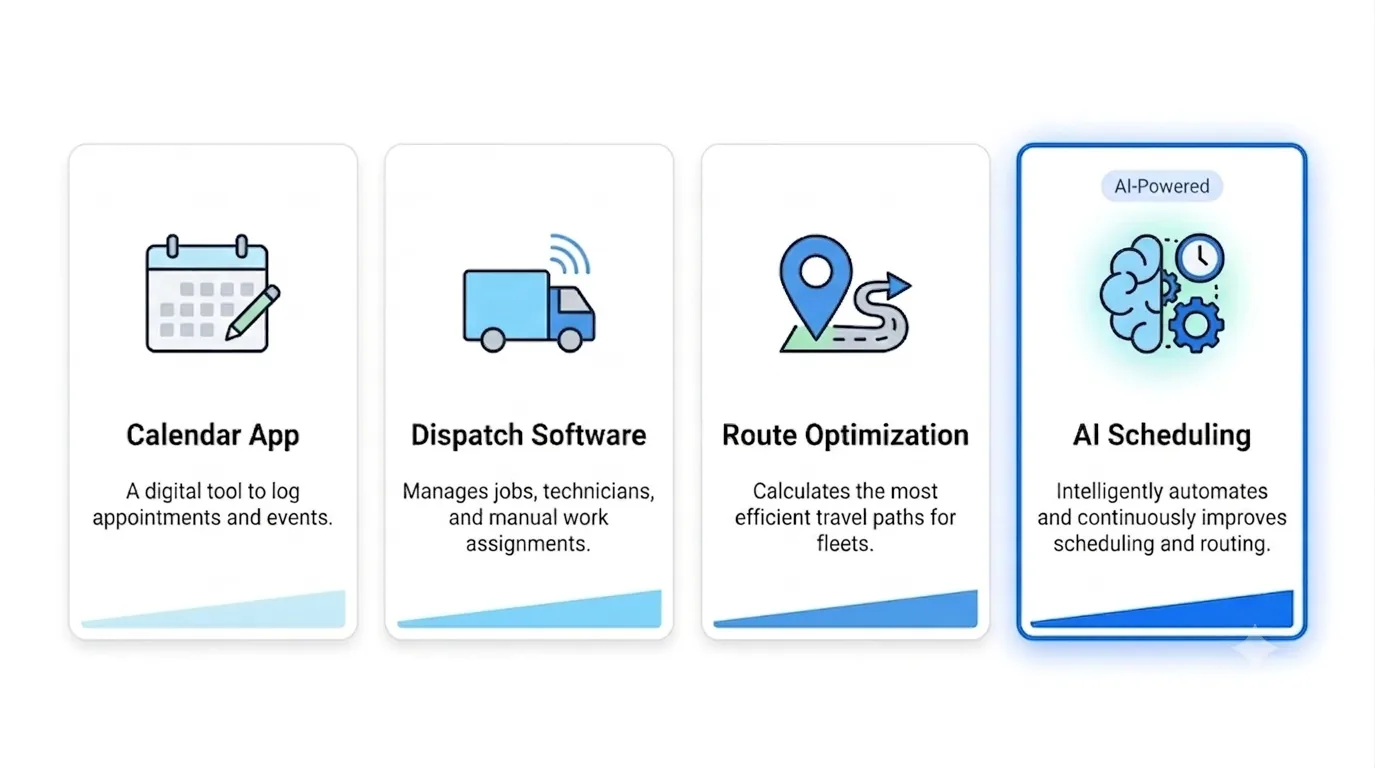
- Route optimization is about the order and path of stops to cut drive time. It's a component of AI scheduling — one of the things the system weighs — but on its own it just sequences a route. It doesn't decide who does the job or when.
- Dispatch software is the broader category AI scheduling lives inside. Traditional dispatch software gives your team a digital board to move jobs around by hand. AI scheduling is the layer that works out where each job should go.
- Calendar apps aren't really in the same conversation. A shared calendar shows appointments; it has no idea where anyone is, what the drive costs, or which slots are genuinely free once travel is counted. It's a place to write down a plan, not a tool that makes one.
Short version: a calendar records the plan, dispatch software lets you move the plan, and AI scheduling works out the plan for you. For the fuller comparison, see AI scheduling vs route optimization vs dispatch automation.
Who Actually Needs It (and Who Doesn't)
We'd rather you buy this when it helps than regret it in three months. So here's the honest fit test.
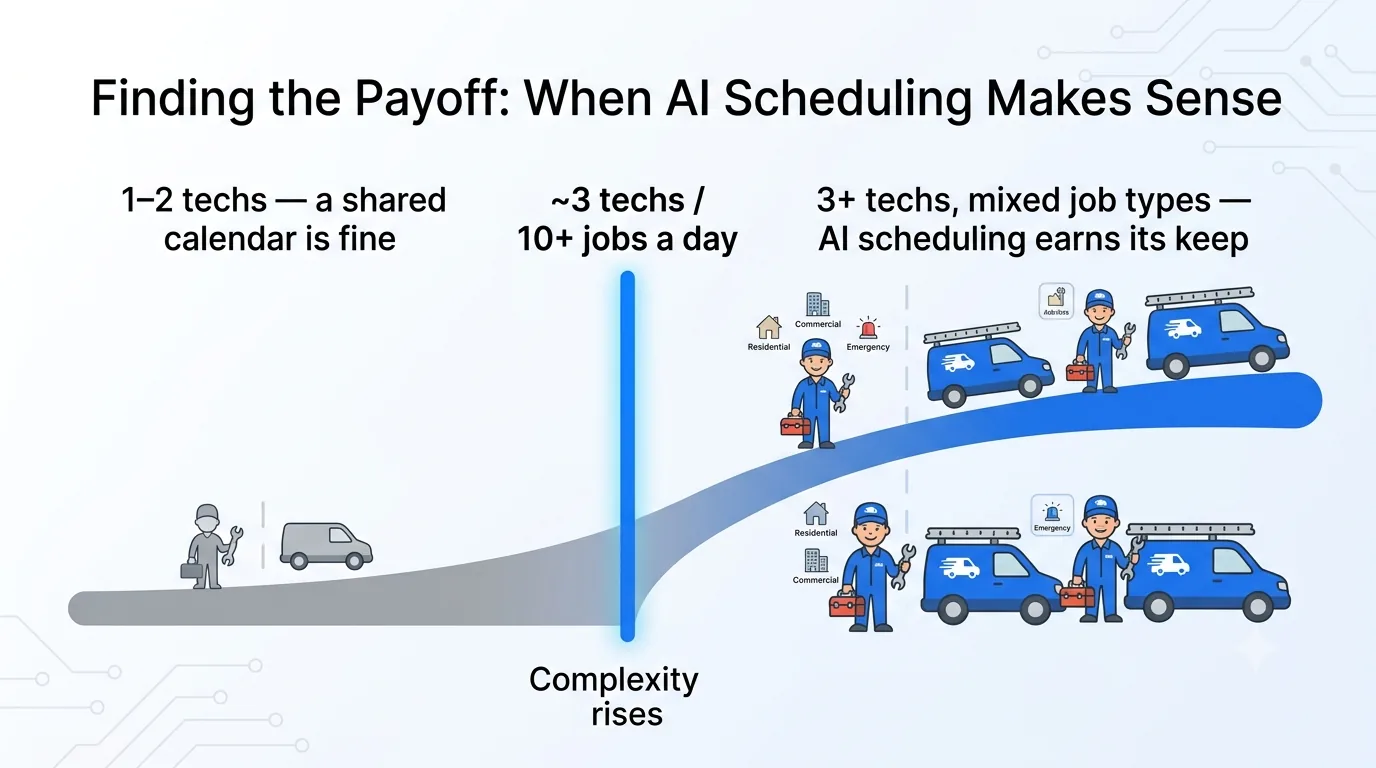
A shared calendar is genuinely fine if: you run one or two trucks, everyone knows the territory cold, and a single person can hold the whole day in their head without breaking a sweat. At that size, scheduling software can be more overhead than help. Don't let anyone shame you into buying tools you don't need yet.
AI scheduling starts to earn its keep when: you're running roughly three or more technicians and pushing ten-plus jobs a day, especially if your work spreads across a wide territory. That's the point where the number of moving pieces outgrows one person's short-term memory — and where a missed slot or an unnecessary cross-town drive starts costing you real money and real customers.
The tell isn't your revenue or your headcount on paper. It's whether your mornings feel like that first Tuesday. If dispatch has become a daily act of firefighting, you've crossed the threshold.
What It Costs and What It Returns
Let's talk money plainly, and only about numbers we can actually stand behind.
OnTyme's Standard plan is $50 a month for 10 team members, with additional users at $5 a month each, and a 30-day free trial to try it on your own board before you pay anything. Larger teams run on custom Enterprise pricing. The current details are on the pricing page — check there rather than trusting a number in a blog post, including this one.
Pricing across the wider category varies enormously, from flat monthly plans to per-technician seats, and whether AI scheduling is in the base tier or an upgrade differs by vendor. Always confirm which before you sign.
The return side is simpler than a spreadsheet full of assumptions. AI scheduling pays back in three currencies:
1. Time you stop losing to manual dispatch — the morning triage, the phone calls to find out where everyone is, and every mid-day scramble, handed back to your dispatcher.
2. Driving you stop paying for — the software's entire objective is minimising travel time, so this is the one that moves first and the one easiest to check against your own fuel and hours.
3. Customers you keep — fewer missed windows and blown promises, which is the quiet cost that never shows up on an invoice but shows up in your reviews.
We're not going to quote you a percentage. How much you save depends entirely on how spread out your work is and how much slack is in your current schedule — so run the free trial on your own board and compare a month of your real numbers.
A Quick Note on Where OnTyme Comes From
OnTyme wasn't dreamed up in a conference room. It grew out of running a real service and installation network — the same whiteboard-at-7 a.m. problem you're reading about, lived daily. That's why this guide spends as much time on what the software doesn't do as what it does: we've been on the wrong side of an over-promised tool, and we'd rather define the category honestly than oversell it.
Frequently Asked Questions
What is AI scheduling in field service?
It's software that works out which technician should take a job and when — checking who's genuinely available and pricing the drive for each option — and returns the best fit in seconds instead of a person working it out by hand.
How is AI scheduling different from a calendar app?
A calendar just records appointments you enter by hand. AI scheduling works the plan out for you: it knows where each tech is, what the drive costs, and which slots are actually free once travel and time off are counted. A calendar can't do any of that.
Does AI scheduling work for small businesses?
Yes — but it earns its keep once you're running about three or more techs and ten-plus jobs a day across a real territory. If you're a one- or two-truck shop and one person can hold the whole day in their head, a shared calendar is often enough for now.
How much does AI scheduling software cost?
OnTyme's Standard plan is $50/month for 10 team members, $5/month per additional user, with a 30-day free trial; Enterprise pricing is custom. Across the category, pricing ranges from flat monthly plans to per-technician seats — and AI scheduling is sometimes a base feature and sometimes an upgrade, so always confirm which before you buy.
Can dispatchers override AI scheduling?
Absolutely, and they should. The software proposes a plan; your dispatcher reviews, adjusts and approves it. Human override isn't a limitation — it's how the local knowledge in your team's heads stays in the loop.
Is AI scheduling actually AI or just rules?
Honestly, it's neither — it's search. A rules engine follows fixed if-this-then-that instructions. AI scheduling enumerates every genuinely available slot across your whole team, prices each one, and returns the best. That's more capable than a rules list and it isn't machine learning either. The useful question to ask any vendor isn't "is it real AI" but "what exactly does it compute, and can you show me why it picked this?"
Ready to See It on Your Own Board?
If your Tuesday mornings look like the first version in this article, you already know why this category exists. See your own schedule run through OnTyme — the demo takes less time than one whiteboard shuffle.