Electrician Scheduling Software: From Service Calls to Multi-Day Installs
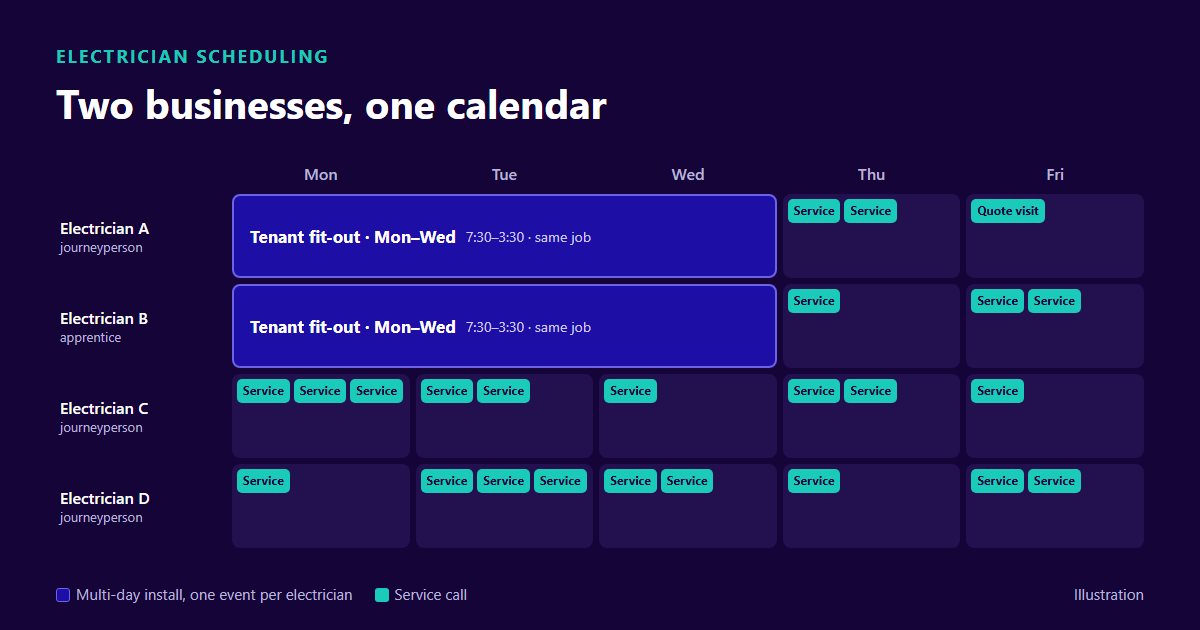
An electrical contractor runs two businesses out of one office. One sells speed: a breaker that keeps tripping, a dead circuit in a restaurant kitchen. The other sells continuity: a three-day tenant fit-out where the same two people need to show up every morning until it is done. Electrician scheduling software has to serve both without letting either one eat the other.
This guide is for shops of four to twenty electricians doing both kinds of work: how to protect installs, keep room for service, handle licences and apprentice ratios, and plan around inspections. OnTyme is the worked example, including where it leaves the call to you.
Two Businesses, One Calendar
Service wants short, flexible blocks and someone close by. Installs want long, fixed blocks and the same crew every day. On a whiteboard, each starves the other.
A busy service week pulls an electrician off a fit-out "just for the morning", and the install loses a day, because picking up where someone else left off costs more than the two hours the call took. A busy install month swallows every journeyperson, and service calls wait four days, long enough for the customer to call someone else.
Both are policy problems that show up on the board. The fix is a rule for when an install crew can be touched, service capacity held back each day, and one calendar showing both kinds of work.
Protecting Install Continuity
Book a multi-day install as one booking, not a string of separate days, so the whole office can see who is taken.
The no-raid rule
Write down when an install crew can be pulled, and keep the list short:
- Life safety or serious loss. Exposed live conductors, a burning smell, no power to a medical device or a restaurant's walk-in cooler.
- Nobody else can reach it today. Every service electrician has been checked first.
- The owner or ops manager decides, not the dispatcher alone, and the install customer hears about it the same day.
Everything else waits for a service slot. A raid looks like a win on the day; the install's lost morning shows up later as a finish date nobody connects back to it.
How OnTyme handles a multi-day install
In OnTyme an event takes a start date and an end date, so an install can run several days with the same daily hours. The event tracks progress day by day and shows as in progress until every scheduled day has been clocked out. Each event accepts more than one form submission, so the crew can file a site record for each day.
Each event is assigned to one person. A two-person crew is two events, one per electrician, attached to the same job so they share the customer and site address.
The AI scheduler respects those blocks. When you ask it for a slot for a new service call, it treats every day of a booked multi-day install as busy for that electrician, not only the first.
One limit to know. When you book by hand, the form greys out the electrician's bookings that start on the day you pick; it does not walk the rest of a multi-day range. Booking a service call by hand on the Tuesday of a Monday-to-Wednesday install, check the board first.
Reserving Service Capacity
If every electrician is booked on installs from 7:30 to 3:30, the next no-power call has nowhere to go but onto an install crew. That is how raids start.
The fix is a daily service allowance, decided in advance. Some shops keep one electrician on service every day and rotate who it is. Others hold the first two hours of each service electrician's morning open until 10 a.m. and release them if nothing comes in. Pick one, then check last month's records to see whether it was enough.
When a call arrives and the allowance is full, work down a short list: can it wait for tomorrow's allowance (most can, so give the customer a time); is a service electrician finishing a job nearby; and only then, is it a no-raid exception.
What OnTyme does here, and what it does not
OnTyme does not reserve capacity on its own. There is no setting that holds back two hours a day for service. The allowance is your policy, and the board is where you keep it.
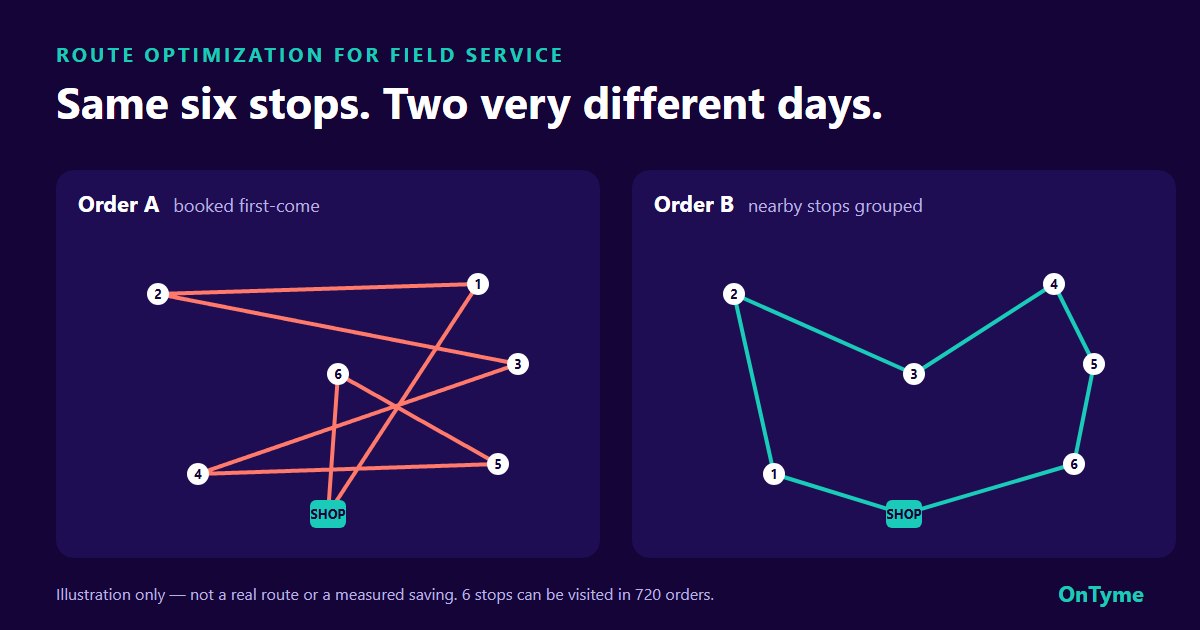
What the scheduler does is find the slot. You give it the job address, the job length, a date window and the electricians to consider. It searches their free time across the window, skips your province's statutory holidays, company holidays and approved vacations, stays inside company hours, and recommends the slot with the least total drive time, with a plain-English reason. The window defaults to the next 14 days; for an urgent call, narrow it to today. The dispatcher accepts the suggestion or books something else. More in how AI scheduling works.
The scheduler is built for visits that fit inside one working day. Book a multi-day install yourself, with its date range, and use the recommender for the service work around it.
Licences, Ratios and Who Can Do What
Every example here is Ontario. Other provinces set their own rules; check with your provincial apprenticeship authority.
According to Skilled Trades Ontario's apprenticeship training standard for Electrician – Construction and Maintenance (309A), revised 2022, 309A is a compulsory trade, and an apprentice in a compulsory trade must have their registration document accessible while working. The standard also states the ratio rule: where a trade is subject to a ratio, apprentices may not exceed one for each journeyperson.
On a schedule, that rule has teeth. With four journeypersons and four apprentices, send two journeypersons to a fit-out with one apprentice, and the three apprentices left outnumber the two journeypersons who could supervise them.
What works in practice:
- Pair before you schedule. Set each morning's journeyperson-apprentice pairs, then schedule the pairs.
- Recount after the last booking of the day, because that is the one that breaks the ratio.
- Keep licence details where the office can see them: who holds a Certificate of Qualification, who is an apprentice, and at what level.
What OnTyme does with licences
OnTyme does not store licences or certifications, and it does not check apprentice ratios. Those stay with the person booking the work.
What it gives you is control of the candidate pool. When you run the AI scheduler you choose which electricians it may consider, and it recommends only from that group. An admin can flag electricians as priority installers so they are preselected. For a job that needs a licensed electrician, select only licensed electricians. For an apprentice pairing, book the pair as two events on the same job, at the same hours.
When comparing vendors, ask whether "certification matching" means the software enforces a rule or only shows a field you fill in, and ask to see it refuse an assignment in the demo.
Inspections and Dependencies
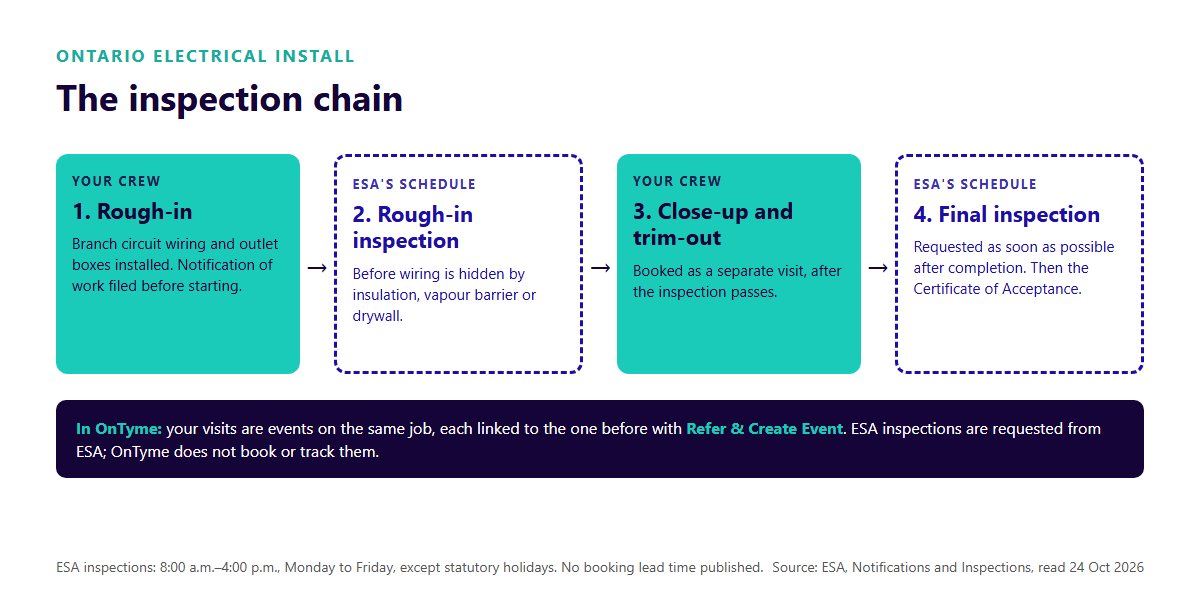
Install work in Ontario also runs on someone else's calendar. The Electrical Safety Authority (ESA) says almost all electrical work requires a notification of work, often called a permit, filed before the work starts. The rough-in inspection takes place once branch circuit wiring and outlet boxes are installed, before the wiring is hidden by insulation, vapour barrier or drywall. You ask for the final inspection as soon as possible after completion, and whoever filed the notification receives an ESA Certificate of Acceptance once the work passes. Inspections take place between 8:00 a.m. and 4:00 p.m., Monday to Friday, except statutory holidays (ESA, Notifications and Inspections, read 24 October 2026).
That gives every install a chain: rough-in (your crew), rough-in inspection (ESA's schedule), close-up and trim-out (your crew, after the inspection passes), then the final inspection and the certificate.
ESA does not publish a lead time for inspections, so use your own: for your last ten installs, count the working days between asking for the rough-in inspection and the inspector arriving. Plan the close-up at least that far out, as a separate visit, rather than holding the crew on site.
Linking the visits in OnTyme
OnTyme does not schedule inspections or hold one visit until another passes. It does keep the chain together. From any event, Refer & Create Event books a new event on the same job, linked back to the one before, so the close-up carries the customer, the site and a link to the rough-in visit. Once work is recorded on an event, it is locked except its summary, so a new visit goes in as a new linked event rather than overwriting the first.
Electrician Scheduling Software in Practice: One Install Week
Monday morning, a journeyperson and an apprentice are booked Monday to Wednesday on a tenant fit-out, one event each on the same job. Tuesday at 9 a.m., four service calls arrive at once. The dispatcher runs the scheduler for each with a window of today, selecting the service electricians. It skips the install pair on all three days and recommends the least-drive-time slot on the free trucks, each with its reason.
One call is a restaurant with no power to its walk-in cooler, and nobody free can reach it before noon. That meets the no-raid rule, so the owner decides: the install pair goes together for two hours, because sending only the journeyperson would leave the apprentice unsupervised. The install customer hears about it before lunch, and the dispatcher moves both electricians' Tuesday on the board by hand.
OnTyme kept the install visible all week, kept the scheduler out of it and found the service slots. What it did not do:
- Reserve service capacity. That is your daily allowance.
- Check licences or apprentice ratios. That is Monday morning's pairing.
- Book or track ESA inspections.
- Rearrange the week when a job runs long. Recommendations are one visit at a time, and the dispatcher stays in charge of the board.
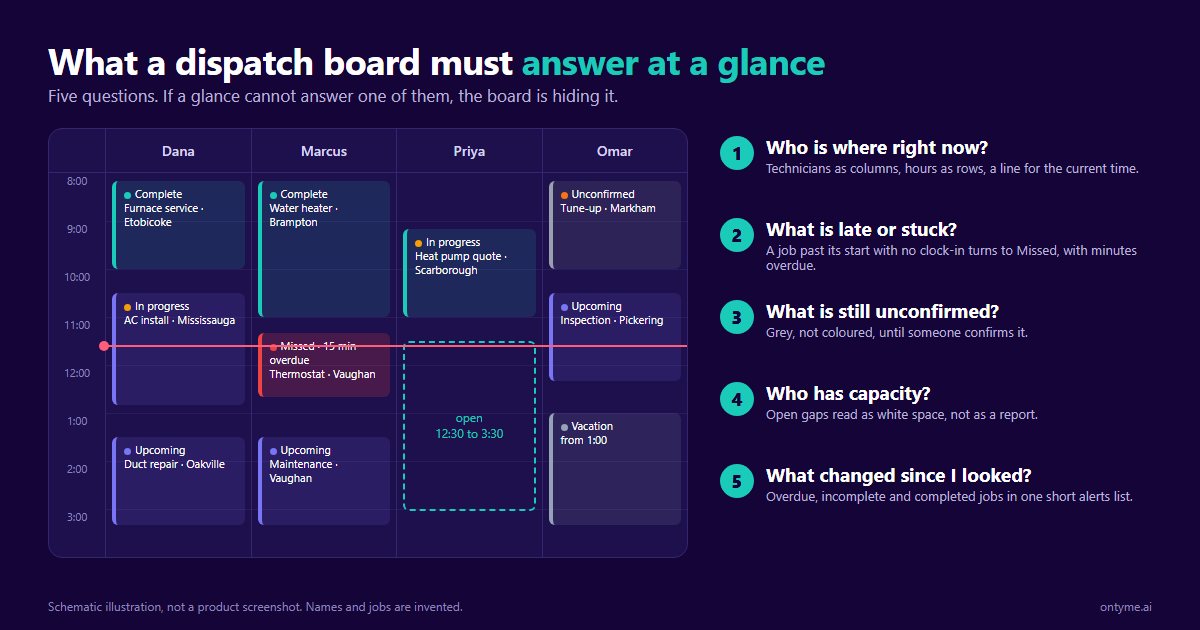
For what a good board shows at a glance, see dispatch board design. For a crew member calling in sick mid-install, see the emergency re-dispatch playbook. The OnTyme page for electrical contractors covers forms for circuits, panels and photos.
Installs need momentum; service needs speed. Schedule a demo and bring next month's install schedule, and we will run your week through one calendar.
FAQ
What scheduling software do electricians use?
Anything from a shared calendar to a full field service suite. What matters is whether it handles multi-day installs and short service calls on one calendar without double-booking the install.
How do electrical contractors schedule service and installs together?
With two written policies: a no-raid rule for when an install crew can be pulled, and a daily service allowance held back for incoming calls. The software shows both kinds of work; the policies decide the trade-off.
Can software handle apprentice ratio rules?
Some systems claim to. OnTyme does not check ratios: you pair journeypersons and apprentices first and book each pair as two events on the same job. In Ontario, the 309A training standard says apprentices may not exceed one per journeyperson where a ratio applies.
How do you schedule around electrical inspections?
Book rough-in and close-up as separate visits, with a gap based on how long your own past inspections took to arrive. In Ontario, ESA inspects on weekdays between 8:00 a.m. and 4:00 p.m., except statutory holidays.
What is crew-based scheduling?
Scheduling a group as one unit for a job, usually an install. In OnTyme each event belongs to one person, so a crew is one event per electrician on the same job, which keeps every person's day visible on the board.